Group Extractor for Facebook
Save time by exporting group member information that is visible to your account into CSV/Excel for personal backup, record-keeping, and community data organization.
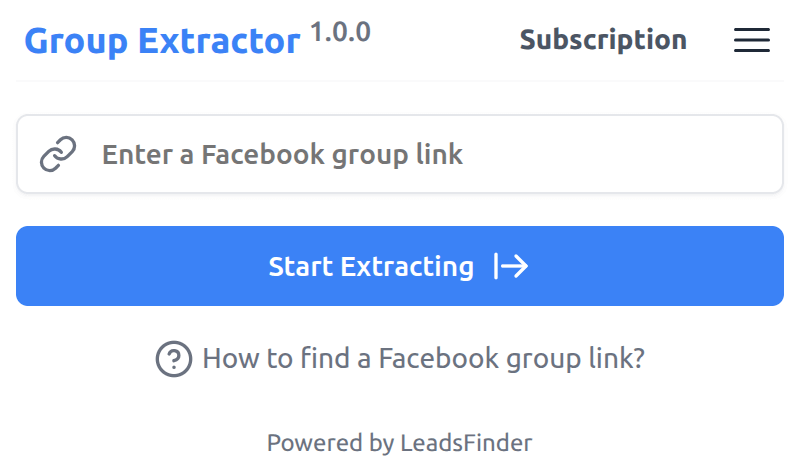
Facebook Group Extractor
Group Extractor helps you organize accessible group member information into a convenient CSV file for review, moderation, and audience analysis.
Responsible use
Group Extractor is designed for legitimate workflows where you are allowed to access and process the information you export.
Use permitted data only
Export only information visible to your account and allowed by the group, Facebook terms, and applicable law.
Respect privacy choices
Do not use exported data for spam, harassment, profiling, or unsolicited outreach without the required consent or legal basis.
Protect exported files
Store files securely, limit access, and delete data when it is no longer needed for your stated purpose.
What data fields can Group Extractor export?
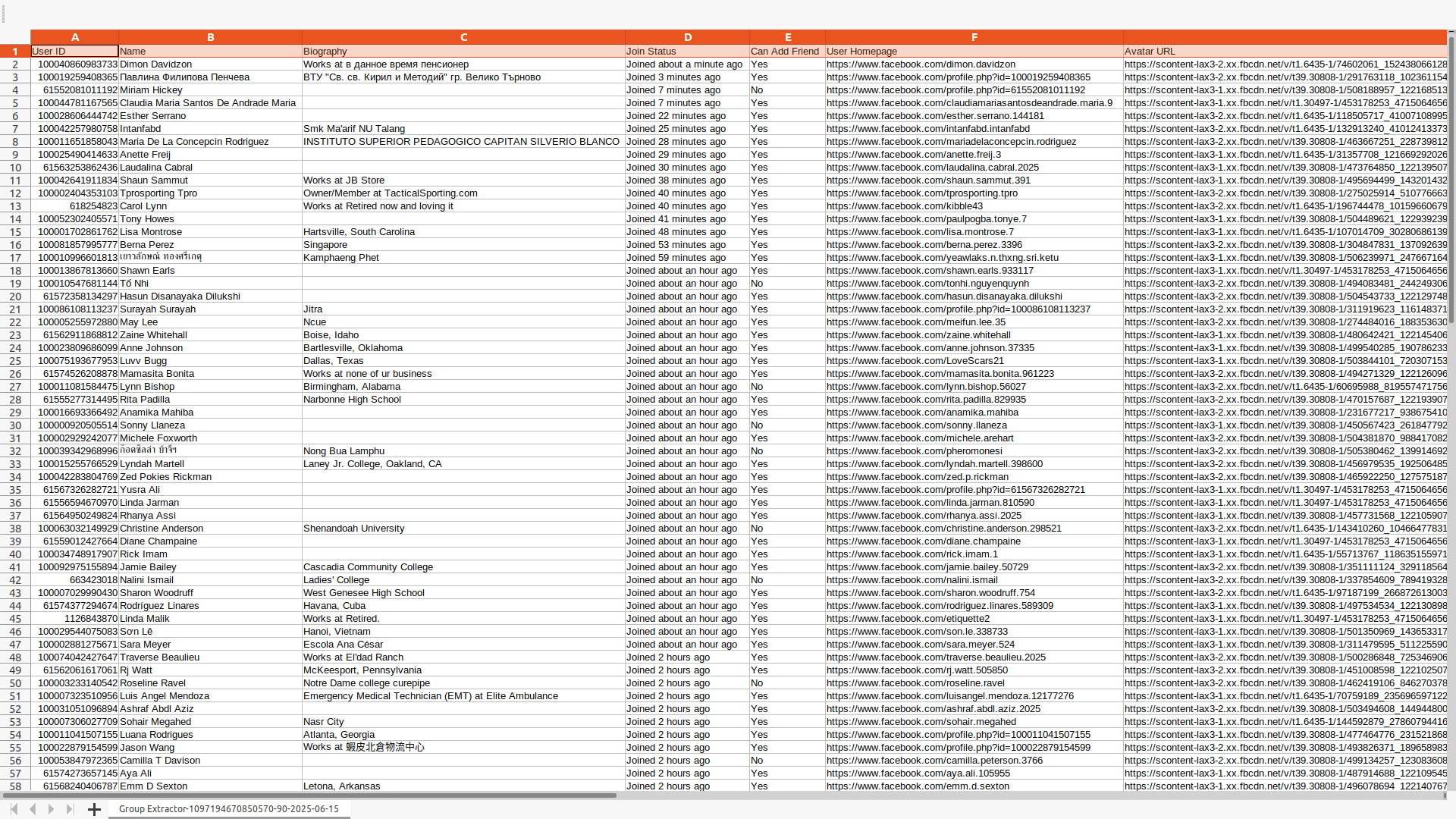
Available fields depend on what Facebook shows to your account, group settings, privacy settings, and platform availability.
| Field Name | Description |
|---|---|
| User ID | The identifier shown for an accessible user profile |
| Name | The name shown on the accessible profile |
| Biography | Visible biography text, when available |
| Join Status | Visible join status or join date, when available |
| Can Add Friend | Whether the profile visibly allows friend requests |
| User Homepage | The visible URL of the profile page |
| Avatar URL | The visible URL of the profile picture |
Start for free today
Try Group Extractor for permitted exports and keep your workflow organized.
Pricing
Start for free, stay for the value.
Free
$0
Get started for free
- Export up to 200 members per group
- Export results as CSV / XLSX
- Continue export from History tasks
Pro
$9.9/month
Maximize your results with the Pro Plan
- Export more available members per group, subject to platform availability
- Export results as CSV / XLSX
- Continue export from History tasks
Frequently asked questions
Feel free to contact us if you have any other questions.
What is Facebook Group Extractor?
Facebook Group Extractor helps you export group member information that is visible to your account into CSV or XLSX files. Supported fields can include user ID, name, biography, join status, profile URL, and avatar URL when that information is available.How to find a Facebook group link?
Click into a group page, and then copy the full URL from your browser's address bar (it looks like https://www.facebook.com/groups/123456789 or .../group-name).
How to use Facebook Group Extractor?
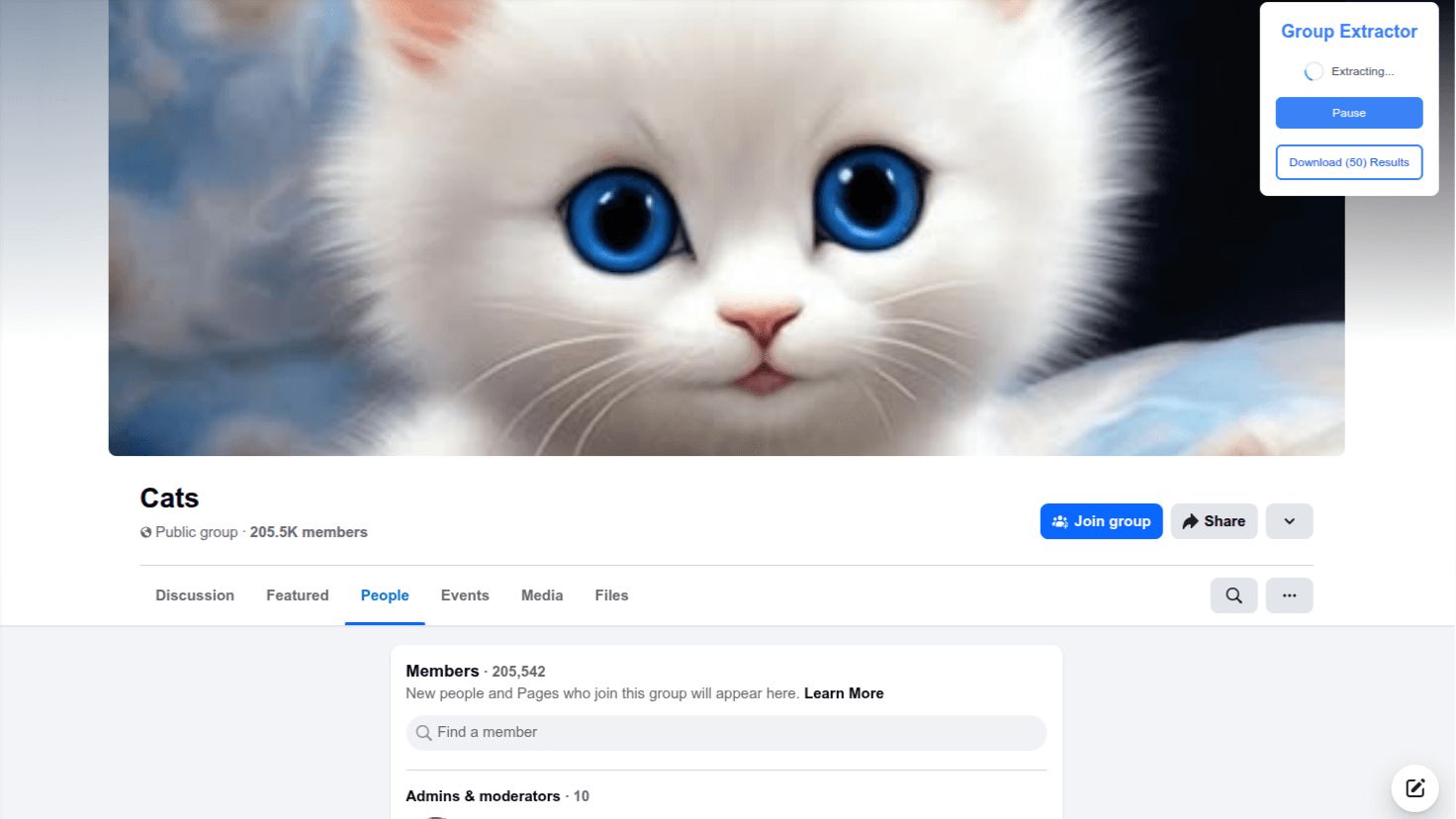
To use Group Extractor, add the extension to your browser and create an account. After signing in, input the group link, click the "Start Extracting" button, and download the completed export to your computer. Only export data that you are permitted to access and process.Why is the number of extracted members lower than the count shown on the page?
The number shown on the page may not be accurate. It can include deactivated accounts, pending invites, recently removed members, or members hidden due to privacy settings. Facebook may also delay updates or display cached data.
How to upgrade my plan?
To upgrade your plan, please note that the process currently requires manual intervention from our side. To initiate the upgrade, kindly reach out to our support team and provide them with the details of your desired plan. They will assist you in upgrading to the plan that best fits your needs.Can I cancel my subscription?
You can cancel your subscription at any time through your extension's subscription page. Once canceled, you will retain access to the subscription until the end of your billing cycle.